Protect Range and Protect Sheet in Google Sheets
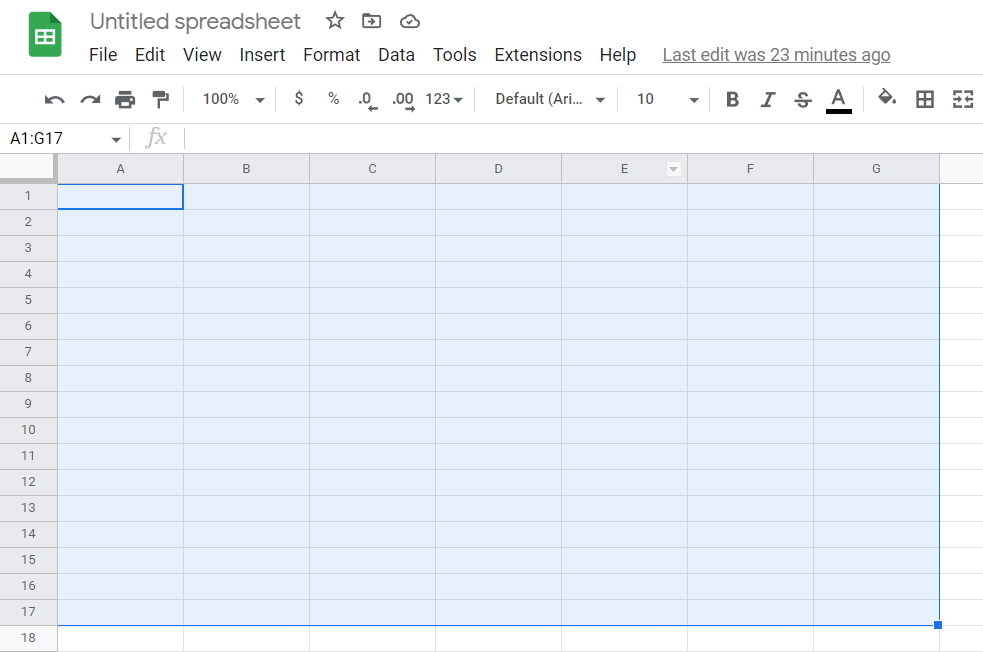
Bismillah, Assalamualaikum On this occasion I will discuss one of the features of Google Sheets, namely "Protect Range" and "Protect Sheet". Co-editing with others is one of the advantages of using Google Sheets. But sometimes we want some cells to be locked so that they are only edited by the account that owns the file. For that, Google Sheets provides a feature called “Protect Range” and “Protect Sheet”. With this protection system, the file owner will no longer worry that key data or formulas that have been compiled can be tampered with by other users. Protect Range The steps to "Protect Range" are as follows: Select cells you want to protect with blocking cells, either by left-clicking and holding the mouse or by selecting the end of the cell and then holding "Shift" on the keyboard and then directing the direction"up", "down", "left", and "right" on the keyboard until all the cells you want to prot...